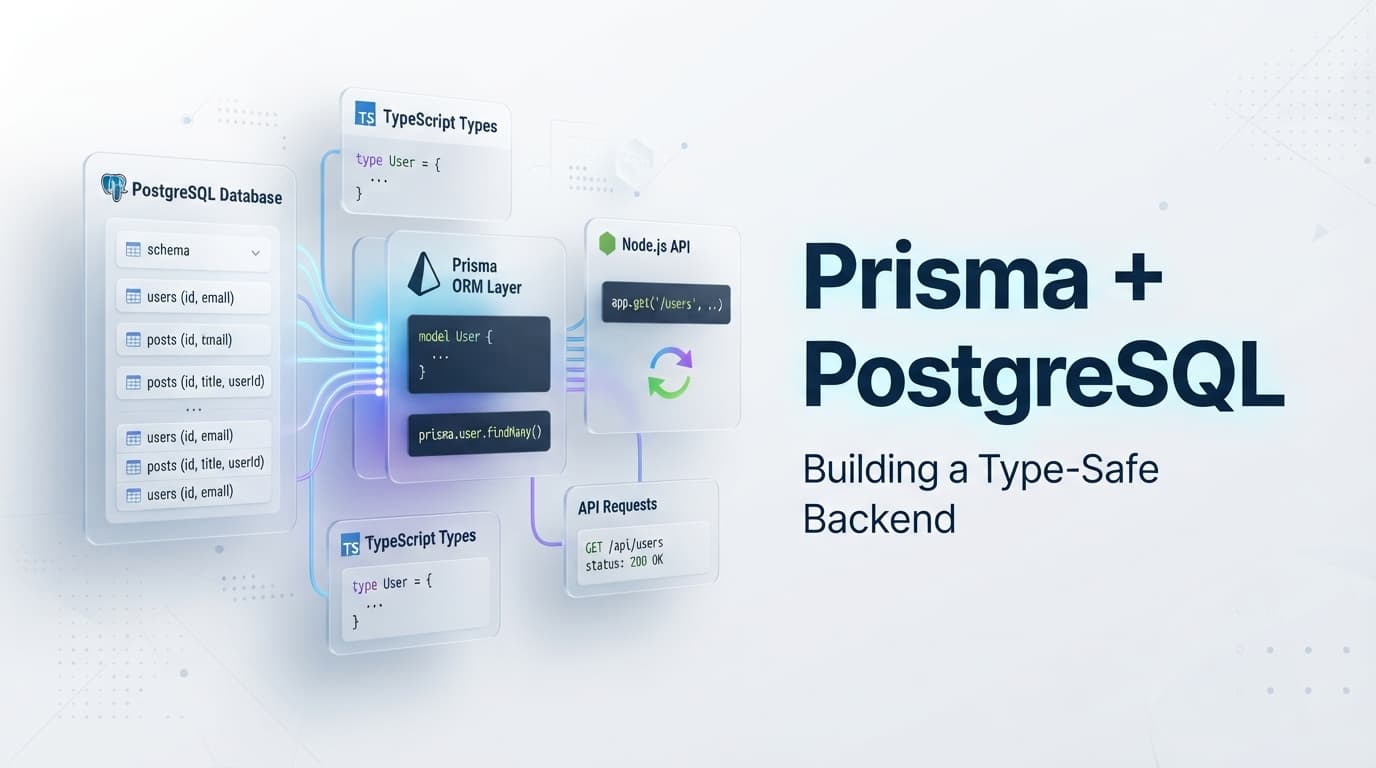
Building a Type-Safe Backend with Prisma and PostgreSQL
A practical look at using Prisma and PostgreSQL to build a reliable, type-safe backend with clean database models, migrations, relationships, and API integration.
Written byMonir Hossain
Aug 19, 2026
3 min read
Modern applications need more than just a place to store data.
As an application grows, the database layer needs to remain reliable, predictable, and easy to maintain. It needs to support relationships between entities, enforce data integrity, handle transactions, and evolve alongside the application.
For TypeScript developers, PostgreSQL and Prisma provide a powerful combination.
PostgreSQL provides the relational database engine, while Prisma provides a modern, type-safe interface for working with that database from a TypeScript application.
A typical architecture might look like this:
            Frontend
               |
               v
          REST API
               |
               v
          Application
            Logic
               |
               v
            Prisma
               |
               v
          PostgreSQL
In this article, we'll explore why PostgreSQL is a strong choice for modern applications, what Prisma adds to the stack, how schemas and migrations work, how relationships are modeled, and how to keep database access properly separated from the rest of the backend.
1. Why PostgreSQL?
PostgreSQL is a powerful open-source relational database management system.
It is designed around structured data, relationships, transactions, constraints, and data integrity.
Instead of storing unrelated collections of data, relational databases allow you to model how different entities relate to one another.
For example, an e-commerce application might contain:
This type of structured relationship is one of PostgreSQL's strengths.
2. What Makes PostgreSQL a Good Choice?
PostgreSQL provides many features that make it suitable for production applications.
Relational Data Modeling
You can model relationships between entities using:
Primary keys
Foreign keys
One-to-one relationships
One-to-many relationships
Many-to-many relationships
For example:
User
  |
  +---- Order
  |
  +---- Order
  |
  +---- Order
A single user can have multiple orders.
Transactions
Many business operations require multiple database changes to succeed or fail together.
For example, creating an order might involve:
Create Order
     |
     +---- Create Order Items
     |
     +---- Update Inventory
     |
     +---- Create Payment Record
If one critical operation fails, you may want the entire transaction rolled back rather than leaving the database in an inconsistent state.
PostgreSQL provides strong transaction support for these kinds of workflows.
Data Integrity
A production database should not rely entirely on application code to protect its data.
PostgreSQL supports constraints such as:
PRIMARY KEY
FOREIGN KEY
UNIQUE
NOT NULL
CHECK
For example:
users
------------------
id          PK
email       UNIQUE
name        NOT NULL
These database-level rules provide an additional layer of protection.
3. What Is Prisma?
Prisma is a modern database toolkit for JavaScript and TypeScript applications.
It provides several tools for working with databases, including:
Prisma Schema
Prisma Client
Prisma Migrate
Prisma Studio
One of its most popular features is Prisma Client, a generated, type-safe database client.
Instead of writing database access logic directly throughout your application, you define your schema and use the generated client to interact with your database.
Conceptually:
TypeScript Application
        |
        v
   Prisma Client
        |
        v
   PostgreSQL
This creates a clear boundary between application code and database communication.
4. Why Use Prisma With PostgreSQL?
PostgreSQL is the database.
Prisma is the application-facing database toolkit.
Together, they provide a strong foundation for TypeScript backend applications.
5. Defining the Database Schema
One of Prisma's most useful features is its schema definition system.
A simplified Prisma schema might look like:
model User {
  id        Int      @id @default(autoincrement())
  email     String   @unique
  name      String?
  orders    Order[]
  createdAt DateTime @default(now())
}

model Order {
  id        Int      @id @default(autoincrement())
  userId    Int
  user      User     @relation(fields: [userId], references: [id])
  createdAt DateTime @default(now())
}
This definition describes both the entities and their relationship.
Conceptually:
User
 |
 | 1
 |
 | *
 v
Order
A user can have many orders, while each order belongs to one user.
6. Why Schema Definitions Matter
Without a central schema, database structure can become difficult to understand.
Developers may need to inspect:
Application code
SQL queries
Migration files
Database tables
Relationship definitions
A Prisma schema provides a clear representation of the application's data model.
For example:
User
 ├── id
 ├── email
 ├── name
 └── orders

Order
 ├── id
 ├── userId
 └── createdAt
This makes the database structure easier to reason about during development.
7. Prisma Client
Once the schema is defined, Prisma can generate a typed client.
User #1
   |
   +---- Order #101
   +---- Order #102
   +---- Order #103
This keeps relationship access close to the query that needs it.
11. More Complex Relationships
An e-commerce system might have:
User
 |
 +---- Orders
         |
         +---- Order Items
                  |
                  +---- Product
Prisma can represent these relationships in the schema.
For example:
model User {
  id     Int     @id @default(autoincrement())
  orders Order[]
}

model Order {
  id        Int         @id @default(autoincrement())
  userId    Int
  user      User        @relation(fields: [userId], references: [id])
  items     OrderItem[]
}

model OrderItem {
  id        Int     @id @default(autoincrement())
  orderId   Int
  productId Int

  order     Order   @relation(fields: [orderId], references: [id])
  product   Product @relation(fields: [productId], references: [id])
}

model Product {
  id    Int         @id @default(autoincrement())
  name  String
  items OrderItem[]
}
The database structure is now explicit:
User
 |
 v
Order
 |
 v
OrderItem
 |
 v
Product
This becomes extremely useful as the application's data model becomes more complex.
12. Prisma Migrations
Database schemas change as applications evolve.
A project may start with:
User
Then you add:
User
Role
Profile
Order
Product
Payment
Later, you may add:
Coupon
Review
Wishlist
Notification
The database needs to evolve alongside the application.
This is where Prisma Migrate becomes useful.
13. What Is a Migration?
A migration is a versioned change to the database structure.
For example:
Migration 1
Create User table
      ↓
Migration 2
Add role column
      ↓
Migration 3
Create Order table
      ↓
Migration 4
Add Product table
Instead of manually modifying the production database each time, the development team maintains a sequence of database changes.
This creates a history of how the schema evolved.
14. Why Versioned Migrations Matter
Imagine five developers are working on the same backend.
Without an agreed migration system, different developers may make different changes directly to their local databases.
Eventually:
Developer A → Database A
Developer B → Database B
Developer C → Database C
may all have slightly different structures.
Versioned migrations help teams keep schema changes consistent.
A typical workflow looks like:
Update Prisma Schema
        |
        v
Create Migration
        |
        v
Review Migration
        |
        v
Apply to Database
        |
        v
Generate Prisma Client
This gives the team a repeatable process for evolving the database.
15. Development vs Production Migrations
One important distinction is that development and production environments may use migrations differently.
During development, you may create a migration from a schema change.
For example:
npx prisma migrate dev
In a deployment environment, the existing migrations should typically be applied rather than generating new ones interactively:
npx prisma migrate deploy
The exact deployment process depends on your infrastructure, but the principle is important:
Production databases should be changed through controlled, reviewed migrations.
16. Prisma Studio
Prisma also provides a useful database browser called Prisma Studio.
It allows developers to inspect and work with database records through a graphical interface.
Conceptually:
             Prisma Studio
                   |
                   v
              Prisma Client
                   |
                   v
               PostgreSQL
This can be useful during development when you need to quickly inspect:
Users
Products
Orders
Relationships
Database values
It doesn't replace proper database administration tools, but it can be very convenient during development.
17. Separating Database Logic From HTTP Logic
One of the most important architectural decisions is keeping database operations out of route handlers whenever possible.
This gives the application a clear separation between:
HTTP Layer
    ↓
Business Layer
    ↓
Database Access
    ↓
PostgreSQL
27. When Should You Use Prisma?
Prisma is particularly useful when:
Your backend is written in TypeScript
Your application uses a relational database
You want generated database types
You want a structured migration workflow
Your application has multiple relationships
You want a strong developer experience
It works especially well for applications such as:
SaaS platforms
E-commerce applications
Admin dashboards
Content management systems
Authentication systems
Business management software
28. When Might Prisma Not Be the Best Choice?
Prisma isn't automatically the right tool for every project.
You may prefer another approach if:
You require very database-specific SQL features
Your team is deeply optimized around SQL
You need highly specialized query behavior
You're working with a database or workflow better suited to another ORM or query builder
You need fine-grained control over every SQL statement
Prisma also supports raw SQL when needed, but raw queries should be used deliberately rather than turning the project into a mixture of unrelated database access styles.
The important thing is to choose the database layer based on the application's requirements.
29. The Bigger Picture
A modern TypeScript backend can be thought of as several layers:
                    Client
                       |
                       v
                  REST API
                       |
                       v
                Controllers
                       |
                       v
                  Services
                       |
                       v
              Database Access
                       |
                       v
                    Prisma
                       |
                       v
                 PostgreSQL
Each layer has a different responsibility.
PostgreSQL is responsible for storing and protecting the data.
Prisma provides a structured way for TypeScript code to interact with that database.
The service layer handles business rules.
Controllers handle HTTP.
This separation is what allows the system to grow without every part of the application becoming dependent on every other part.
Conclusion
Prisma and PostgreSQL provide a powerful combination for building modern TypeScript backends.
PostgreSQL provides:
Relational data modeling
Transactions
Constraints
Referential integrity
Indexing
Reliable data persistence
Prisma provides:
A clear schema definition
Generated TypeScript types
Type-safe database operations
Migration tooling
Relationship modeling
A productive developer experience
But the most important lesson is that Prisma should not be viewed simply as a replacement for SQL.
It is a layer that makes database interaction easier from TypeScript while still relying on the underlying capabilities of a relational database.
A maintainable architecture might look like:
Routes
   |
   v
Controllers
   |
   v
Services
   |
   v
Prisma
   |
   v
PostgreSQL
As your application grows, additional concerns such as validation, transactions, indexing, caching, connection management, and observability become increasingly important.
The goal is not to hide the database behind layers of abstraction.
The goal is to create a system where each layer has a clear responsibility.
PostgreSQL provides the foundation for reliable relational data. Prisma provides a productive and type-safe way for TypeScript applications to work with that data.
When those tools are combined with thoughtful backend architecture, they provide a strong foundation for building applications that are easier to develop today and easier to maintain as they grow.
#Prisma
#PostgreSQL
#Node.js
#Backend
#Database
MH
About the author
Monir Hossain
Full-stack developer from Bangladesh, focused on building modern web applications, backend systems, and practical developer experiences.